Add Grok App to your Home Screen
Tap in the bottom bar, then in the tool bar, then


Tap in the bottom bar in the tool bar
Select
 Add to Home Screen
 Grok
Grok
Tap in the bottom bar, then in the tool bar, then
Tap in the bottom bar in the tool bar
Select
Add to Home Screen
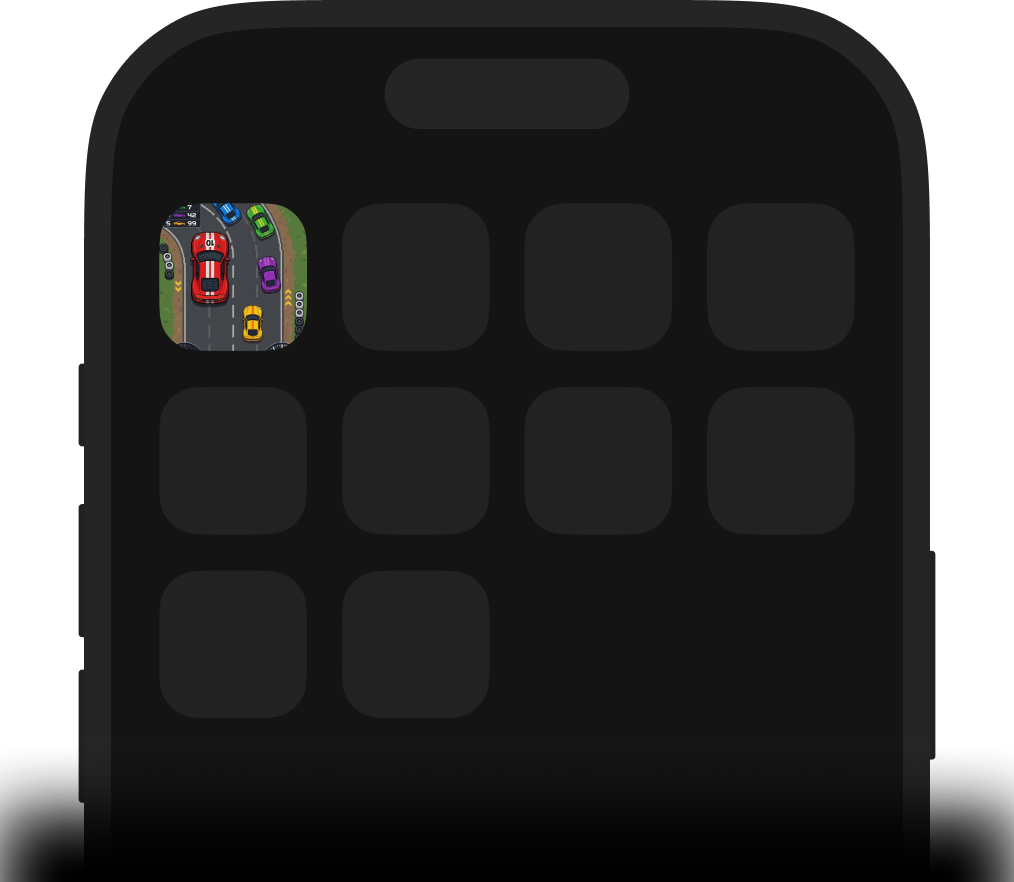
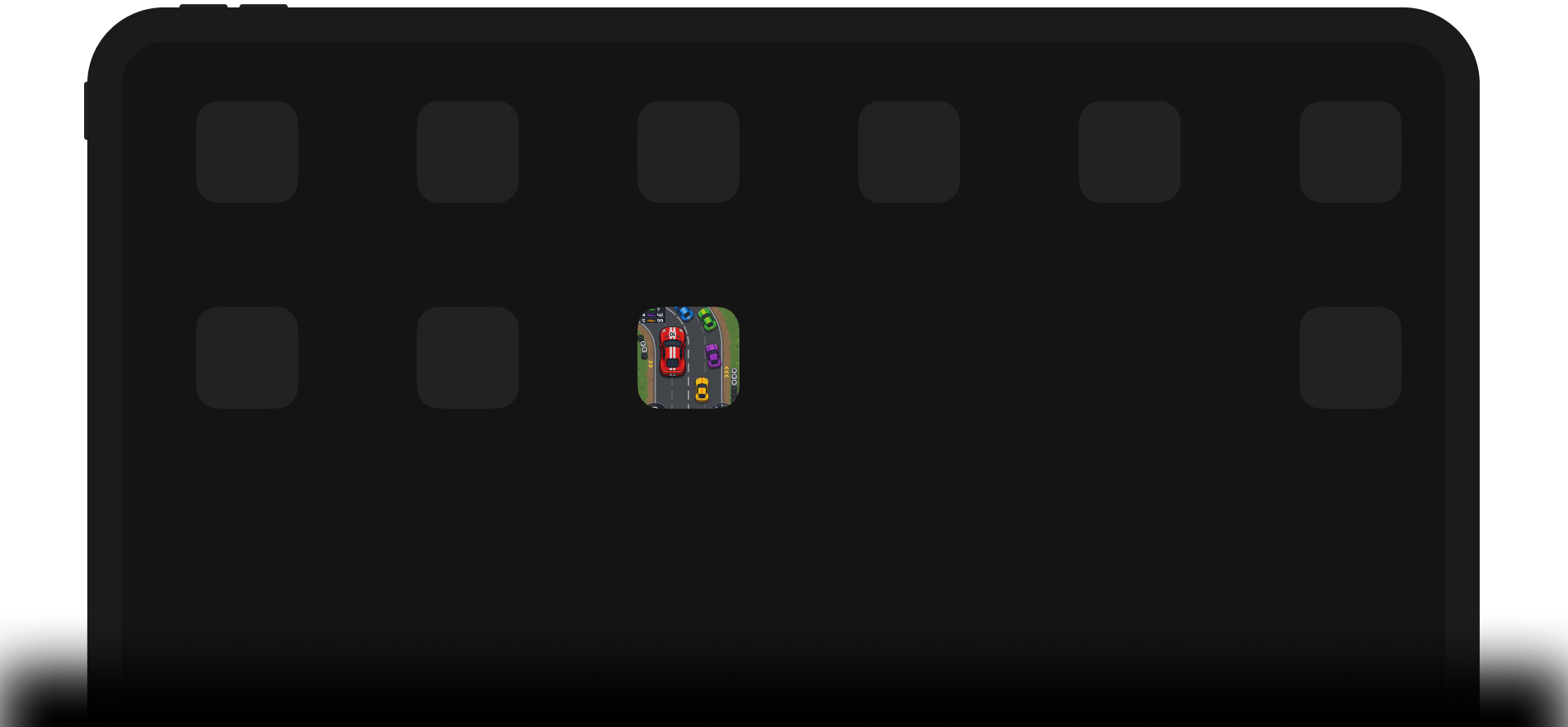
This page shows how to add Grok App to an iOS Home Screen.
Open Grok App